

Sunday, October 4, 2026
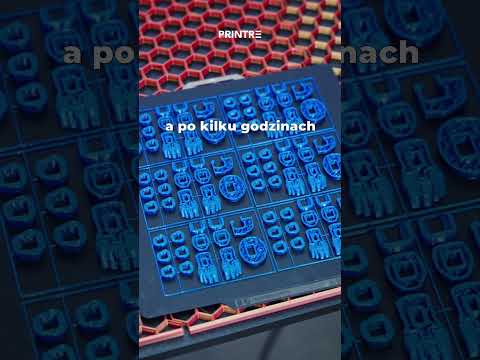
There is nothing more frustrating than spending hours on a project, only to walk up to your machine and find a tangled mess of plastic or a severely deformed model. A single overlooked setting or minor mechanical issue is often enough to ruin hours of work and waste a significant amount of material. If you are struggling with poor print quality, understanding the core principles of 3D printing troubleshooting can save you time, money, and endless headaches.
Here are the most common reasons why your prints might look bad—and how you can fix them easily.
Poor Bed Adhesion and First Layer Issues
The first layer is the foundation of every successful build. If your print bed is not properly leveled or cleaned, the material simply won't stick. This leads to warping, corner lifting, or complete print detachment. Make sure to level your bed regularly, clean the surface with isopropyl alcohol to remove finger oils, and adjust your Z-offset so the first layer squishes down evenly without crushing the nozzle.
Incorrect Temperature and Extrusion Settings
Temperature control plays a critical role in 3D printing. Setting your hotend temperature too high can cause severe stringing, sagging, and loss of fine details. On the other hand, if the temperature is too low, the filament will fail to melt properly, leading to under-extrusion, weak layer adhesion, and surface gaps. Running a quick temperature tower for every new spool of filament helps you find the sweet spot for clean results.
Wet or Spoiled Filament
Many makers overlook the environment where their materials are stored. Most standard filaments absorb moisture from the surrounding air over time. When damp filament is pushed through a hot nozzle, the trapped water turns to steam, causing popping sounds, rough surface textures, and weak structural integrity. Storing your materials in sealed bags with desiccant or using a filament dryer can instantly boost your quality.
Final Thoughts
Mastering 3D printing is a journey that requires patience, observation, and continuous tweaking. By keeping your print bed leveled, dialing in your temperature settings, and keeping your filament dry, you can eliminate the vast majority of common failures and enjoy smooth, professional prints every time.


