
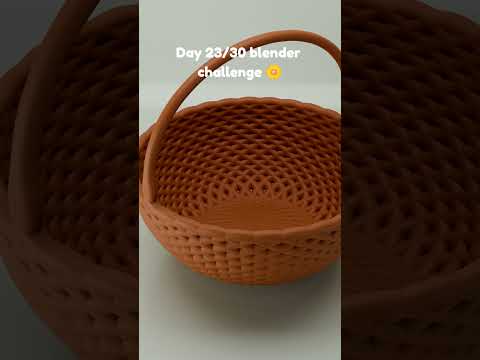
The world of digital art is expanding faster than ever, and at the heart of this revolution is Blender 3D. Whether you are an aspiring game developer, a hobbyist animator, or a professional designer, mastering this open-source powerhouse is one of the most valuable skills you can acquire in today’s creative economy. We are thrilled to announce that our latest comprehensive tutorial is officially out, designed to take your skills to the next level.
Why Choose Blender 3D for Your Projects?
Blender 3D has evolved from a niche tool into a world-class suite capable of handling every stage of the 3D pipeline. From initial block-outs and intricate sculpting to complex rigging and cinematic rendering, it offers a versatility that few other programs can match. Our new tutorial focuses on the core pillars of the software: modeling, animation, and real-time interaction. By understanding these fundamentals, you can bridge the gap between a simple idea and a fully realized digital masterpiece.
What This Tutorial Covers
In this latest release, we dive deep into the workflow required to create high-quality assets. We begin with the essentials of 3D modeling, teaching you how to maintain clean topology and efficient workflows. We then transition into the world of animation, showing you how to breathe life into your static meshes using Blender’s robust keyframing and rigging tools.
For those interested in interactive media, we also touch upon the principles used in the Blender game engine environment. Understanding how models behave in a real-time setting is crucial for anyone looking to enter the gaming industry. We provide step-by-step instructions to ensure that even beginners can follow along while still offering "pro-tips" for seasoned veterans.
Elevate Your Workflow Today
The journey to becoming a proficient 3D artist is a marathon, not a sprint. However, having the right guidance can significantly shorten the learning curve. Our tutorial is structured to be "all killer, no filler," focusing on the techniques that professional artists use every day.
By the end of this guide, you will have a solid grasp of how to utilize Blender 3D to create, animate, and export your work for any platform. Don't let technical hurdles stand in the way of your vision. Head over to our channel, watch the full tutorial, and start building your own digital worlds today!
