
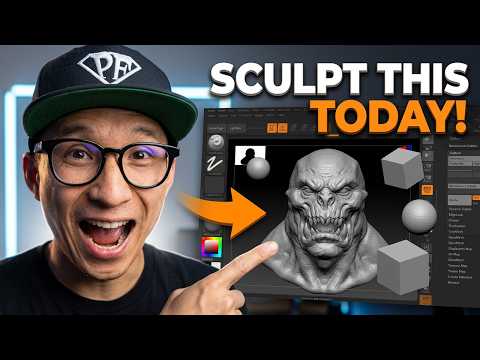
Digital sculpting has revolutionized the way we create characters, creatures, and environments for games and film. If you have ever wanted to dive into the world of digital clay, ZBrush 3D is the industry-standard software you need to master. While the interface might seem intimidating to a newcomer, breaking it down into fundamental steps will help you move from a blank canvas to a professional-grade asset in no time.
Navigating the Interface with Confidence
The first hurdle for any beginner is the unique workspace. Unlike traditional CAD software, the ZBrush interface is designed specifically for artists. To get started, you must familiarize yourself with the "Shelf" and the "Brush Palette." Learning how to navigate the 3D space—rotating, panning, and zooming—is essential. Once you have customized your UI to show your most-used tools, you will find that ZBrush 3D provides a remarkably fluid and intuitive creative experience.
Core Sculpting Techniques for Beginners
The magic of sculpting happens through various brushes, each serving a specific purpose. For those just starting out, you don't need to learn every tool at once. Focus on these three essentials: * Move Brush: Perfect for adjusting the overall silhouette and large forms of your model. * Clay Buildup Brush: Ideal for adding volume and "meat" to your sculpt, mimicking the feel of physical clay. * Standard Brush: Used for fine-tuning surfaces and adding specific details.
By alternating between these brushes and using the "Smooth" modifier, you can quickly define the anatomy or structure of your model.
Building Your First 3D Asset
Every masterpiece begins with a simple primitive, such as a sphere or a cube. Using the "Dynamesh" feature is a game-changer for beginners; it allows you to stretch and pull your model without worrying about the underlying polygon structure. This freedom lets you focus entirely on your artistic vision. As you refine your shape, you can increase the subdivision levels to add intricate details like skin pores, fabric folds, or mechanical edges.
Starting your journey in ZBrush 3D is an exciting step for any aspiring digital artist. By focusing on these fundamentals and practicing consistently, you will soon find that the software becomes a natural extension of your imagination. Grab your stylus, open up a new project, and start sculpting your first asset today!
