
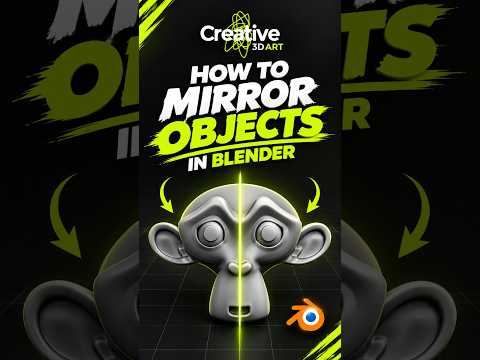
Efficiency is king in the world of digital art. If you have been sculpting or building meshes by manually editing both sides of a symmetrical object, you are essentially working twice as hard for the same result. It is time to revolutionize your 3D modeling workflow and stop wasting time on redundant tasks.
The Power of Symmetry
In character design, vehicle creation, or hard-surface modeling, symmetry is almost always a requirement. Instead of trying to replicate every vertex movement perfectly on both the left and right sides, Blender offers a powerful non-destructive tool called the Mirror Modifier. This allows you to focus all your creative energy on just one half of your creation while the software automatically generates the other side in real-time.
How to Set Up the Mirror Modifier
To get started, first ensure your object's origin point is correctly placed—usually at the center of your scene or the center of symmetry. Once your mesh is ready, navigate to the "Modifier Properties" tab (the blue wrench icon) and select "Mirror" from the Generate column.
By default, the modifier usually mirrors across the X-axis. You will instantly see a mirrored version of your mesh on the opposite side. Any loop cut you add or vertex you move on the "real" side will be perfectly reflected on the "mirror" side, ensuring your 3D modeling remains perfectly symmetrical.
Pro Tips for Seamless Results
One of the most important settings within this tool is the "Clipping" checkbox. When Clipping is enabled, vertices located at the center line will snap together and stay merged. This prevents your model from accidentally splitting apart or creating "holes" in the middle of your mesh. Mastering this small detail is a significant step toward achieving professional 3D modeling standards.
Conclusion
Don't let manual repetition slow down your creative process. By integrating the Mirror Modifier into your daily routine, you can ensure perfect symmetry and cut your production time in half. Whether you are a beginner or an intermediate artist, optimizing your workflow is the best way to focus more on the art and less on the technical grind. Give it a try on your next project and see how much faster you can bring your ideas to life!
