
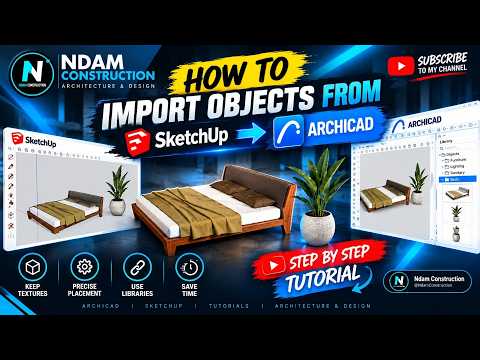
Architects and BIM specialists frequently rely on SketchUp for quick conceptual designs and custom assets. However, seamlessly integrating external objects into your ArchiCAD 3D environment can sometimes present performance challenges. High polygon counts, bloated file sizes, and messy geometry can quickly slow down your design process.
If you are working in ArchiCAD 28, you generally have two main approaches to import SketchUp objects: Direct Native Import or using the ModelPort add-on. Here is a breakdown of how both methods compare so you can choose the best workflow for your project.
Option 1: Direct Native Import
ArchiCAD offers a built-in feature that allows users to directly drag and drop or place .skp files straight into a project.
- Pros: It is quick, free, and requires no third-party tools. It works well for simple geometry and standard furniture pieces.
- Cons: Direct import often brings in unoptimized geometry with excessive polygon counts. This can degrade viewport performance, enlarge your overall file size, and limit your ability to edit materials cleanly within the software.
Option 2: Importing via ModelPort
ModelPort is a specialized add-on designed specifically for importing, managing, and optimizing external objects for ArchiCAD 3D models.
- Pros: ModelPort provides comprehensive control over imported geometry. You can significantly reduce polygon counts, edit or replace materials, preview objects in 3D before importing, and clean up unnecessary lines. This keeps your BIM project lightweight and maintains smooth navigation.
- Cons: It requires an additional license and setup, making it an extra step if you only work with simple models.
Which Method Should You Choose?
The right choice depends on the complexity of the models you are importing. If you only need to place a few basic items occasionally, the direct native import is fast and convenient.
However, if you regularly work with complex 3D assets, high-detail decor, or large architectural scenes, ModelPort is the superior option. It keeps your ArchiCAD 3D workspace responsive, clean, and optimized for maximum efficiency.
