
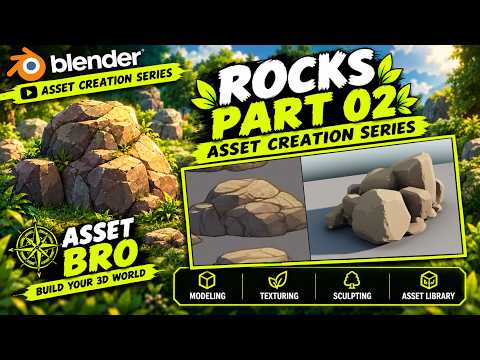
Creating immersive virtual environments requires close attention to detail, especially when it comes to natural elements like rocks, cliffs, and boulders. Whether you are designing a video game level, an architectural visualization, or a cinematic animation, learning how to create a detailed 3D asset from scratch can transform your creative workflow.
In this guide inspired by the Asset Creation Series, we delve deeper into realistic rock modeling techniques in Blender to help you build your ultimate digital world.
Why Realistic Rocks Matter in 3D Environments
Rocks are the structural backbone of outdoor digital landscapes. They break up flat terrain, add organic texture, and establish scale within a scene. However, using repetitive or low-quality models can instantly ruin the immersion. By mastering custom rock creation in Blender, you gain total creative freedom over shape, surface deformation, and optimization, ensuring your environment scenes look ground-level realistic.
Workflow: From Rough Mesh to Finished Asset
Building realistic environment props in Blender involves a seamless combination of blockout, sculpting, and texturing techniques:
- Base Blockout: Start with simple low-poly geometry (like a subdivided cube or icosphere) to define the silhouette and overall weight of the rock.
- Sculpting Micro-Details: Utilize Blender’s sculpting tools—such as the Flatten, Scrape, and Crease brushes—to introduce natural cracks, sharp edges, and weathered surface erosion.
- Procedural Texturing: Apply procedural noise and color ramps to generate organic stone textures, moss patches, and realistic roughness variations.
- Optimization: Retopologize or use decimation techniques to convert your high-detail model into an optimized 3D asset suitable for real-time game engines like Unreal Engine or Unity.
Expand Your Reusable 3D Library
Efficiency is crucial for modern digital artists. Instead of recreating environment props from scratch for every new project, saving each unique mesh into a personal 3D asset library streamlines your future workflow. Blender’s Asset Browser allows you to easily drag and drop your custom rocks directly into new viewport scenes with preset materials attached.
Final Thoughts
Mastering rock modeling in Blender is an essential milestone for any artist looking to craft high-quality environments. By experimenting with diverse sculpt brushes, erosion patterns, and material setups, you will build a versatile library of props ready to bring any virtual world to life.
