
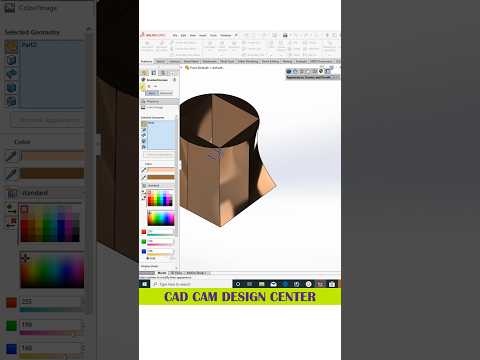
Computer-Aided Design has revolutionized how engineers, product designers, and digital artists transform abstract ideas into tangible reality. Among the vast array of design software available today, SolidWorks stands out as an industry standard. Whether you are crafting complex mechanical assemblies, automotive parts, or sleek consumer products, mastering 3D CAD tools is essential for staying competitive in modern manufacturing and engineering.
In this guide, we will explore key tips and techniques to help you optimize your SolidWorks workflow and elevate your modeling skills.
Why SolidWorks Dominates Modern Product Design
SolidWorks is renowned for its intuitive interface and powerful parametric modeling capabilities. From automotive engineering to digital art, professionals rely on 3D CAD software to create precise, scalable models. By leveraging features like dynamic sketching, smart dimensioning, and feature history, designers can quickly iterate and refine their concepts without starting from scratch.
Essential Tips to Streamline Your SolidWorks Workflow
To maximize efficiency and minimize design errors, consider implementing these fundamental modeling strategies:
- Master Fully Defined Sketches: Always ensure your 2D sketches are fully defined with geometric relations and smart dimensions before applying 3D features. This prevents accidental shifts in geometry during future modifications.
- Leverage Mouse Gestures and Hotkeys: Customize your gesture wheel and keyboard shortcuts for your most frequently used tools. Reducing cursor travel time can drastically speed up your modeling process.
- Keep Your Feature Tree Organized: Name key features and group components logically. A clean, well-organized feature tree makes it significantly easier to edit complex parts and collaborate with team members.
- Utilize Patterns and Symmetry: Avoid modeling repetitive geometry manually. Use linear, circular, and mirror feature patterns to save time and guarantee precision across your model.
Final Thoughts
Becoming proficient in 3D CAD requires continuous practice and an eagerness to adopt smart modeling habits. By applying these practical SolidWorks tips, you can enhance your design accuracy, streamline your production pipeline, and unleash your creative potential. Start implementing these techniques in your next project to experience a faster, more seamless modeling process!

