
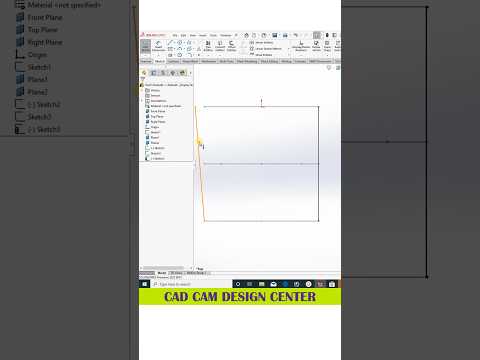
Whether you are a seasoned mechanical engineer or a passionate beginner entering the digital design world, mastering SolidWorks is crucial for producing efficient, high-quality models. As industry standards continue to evolve, staying updated with quick tips and tricks can dramatically speed up your workflow and enhance your technical output.
Why SolidWorks Leads the 3D CAD Industry
SolidWorks remains one of the most powerful and intuitive software solutions used globally across automotive, aerospace, and product design sectors. Utilizing modern 3D CAD tools allows designers to transform complex concepts into precise, functional models with unmatched parametric accuracy. By leveraging advanced assembly techniques, surface modeling, and structural simulations, you can bring even the most intricate engineering visions to life seamlessly.
Essential Tips for Efficient 3D Modeling
To get the most out of your parametric design process, consider integrating these practical habits into your daily workflow:
- Optimize Your Sketching: Always fully define your sketches using smart dimensions and geometric relations. This prevents unexpected errors later in the design tree when making parametric modifications.
- Master Shortcut Keys: Customize your 'S' key menu and mouse gestures. Minimizing the time spent searching for features on the ribbon toolbar will double your modeling speed over time.
- Keep Feature Trees Clean: Name your key features and group related operations into logical folders. A well-organized feature manager tree makes team collaboration smooth and simplifies future revisions.
- Utilize Standard Configurations: Take advantage of SolidWorks configurations to create multiple variations of a single part or assembly within one file, saving both time and storage space.
Elevating Your Design Workflow
Mastering 3D CAD software is not just about learning which buttons to press; it is about adopting a structured design mindset. By practicing efficient modeling strategies and continually exploring quick tips, you can significantly reduce design cycle times, minimize manufacturing errors, and create realistic visual prototypes that stand out.
Start implementing these essential SolidWorks tips today, and watch your 3D CAD design efficiency soar to new heights!

