
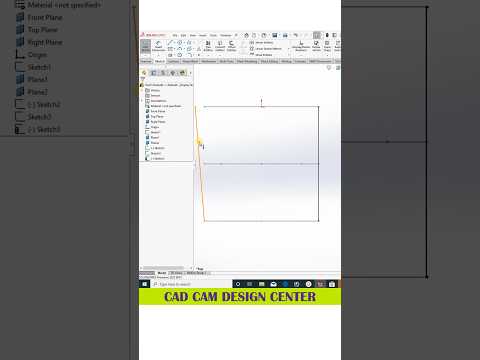
SolidWorks remains one of the most powerful and widely used tools in modern engineering and product design. Whether you are an aspiring maker or an experienced mechanical engineer, mastering 3D CAD software is essential for bringing creative concepts into precise, functional models. From basic geometric sketches to complex parametric assemblies, honing your workflow saves valuable development time while boosting overall project accuracy.
Key SolidWorks Techniques for Speed and Precision
Creating clean, scalable models requires more than just knowing where tools are located—it requires a strong understanding of design intent. Here are fundamental practices to streamline your drafting process:
- Fully Define Your Sketches: Always ensure your 2D profiles are fully constrained using smart dimensions and geometric relations (such as concentric, parallel, or equal). This prevents accidental shifts later in the design tree.
- Maintain an Organized Feature Tree: Keep your feature manager organized. Rename key features, group related operations, and avoid unnecessary extrusions or cuts to make future edits hassle-free.
- Leverage Shortcuts and Hotkeys: Customizing mouse gestures and keyboard shortcuts for frequently used tools like Extrude, Revolve, and Smart Dimension will dramatically speed up your execution.
Elevating Your Projects with Modern 3D CAD Workflows
As you advance beyond basic shapes, adopting structured 3D CAD workflows will significantly improve the quality of your output. Utilizing tools such as global variables and equations allows your models to adapt dynamically whenever specifications change. Furthermore, paying attention to surface fillets and visual materials helps convert basic technical parts into realistic visual assets suitable for presentations.
Consistently practicing these tips ensures your designs are not only visually impressive but also optimized for prototyping, 3D printing, and manufacturing. Investing time in mastering modern 3D CAD capabilities is the best way to sharpen your skills and stand out in the competitive design industry.

