
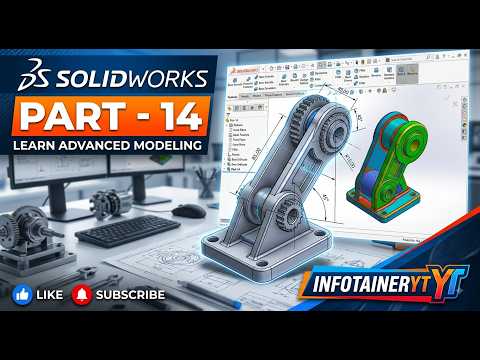
The Power of Advanced Modeling in SolidWorks
Whether you are an aspiring engineer or an experienced product designer, mastering advanced part modeling is essential for creating robust, production-ready components. SolidWorks remains one of the premier tools in the industry, enabling designers to transform abstract concepts into precise, detailed models. To build high-performance mechanical parts, mastering advanced feature tools and structured workflows in professional 3D CAD software is a crucial step for any designer.
Elevating Your Mechanical Design Techniques
Basic extrusion and revolve features will only get you so far. When working on intricate mechanical assemblies, you need to leverage advanced design operations such as complex lofts, sweep cuts, shell features, and variable fillets. Utilizing these features effectively inside a modern 3D CAD environment allows you to craft organic shapes and highly functional engineered parts with unmatched accuracy.
Key focus areas for advanced part modeling include:
- Parametric Design Logic: Building intelligent sketches with clear geometric relations and dimensions to ensure design changes propagate smoothly throughout your model.
- Feature Tree Optimization: Organizing features systematically to maintain stability, reduce rebuild times, and eliminate parent-child conflicts.
- Manufacturability & Precision: Preparing your components for real-world application, stress analysis, and rapid prototyping.
Best Practices for Error-Free Modeling
One of the biggest challenges in advanced part modeling is maintaining model stability. Complex geometry often leads to broken references if your initial sketches are poorly constrained. To prevent unexpected errors during design revisions:
- Always fully define your primary sketches before applying complex features.
- Limit unnecessary references between non-adjacent features to keep your design tree clean.
- Use construction geometry to establish accurate reference points for complex curves and angles.
By applying these structured modeling workflows, you unlock the full potential of 3D CAD technology, turning complex mechanical challenges into streamlined engineering solutions. Dive into the step-by-step guide to refine your SolidWorks workflow and take your 3D design skills to an expert level today!

