
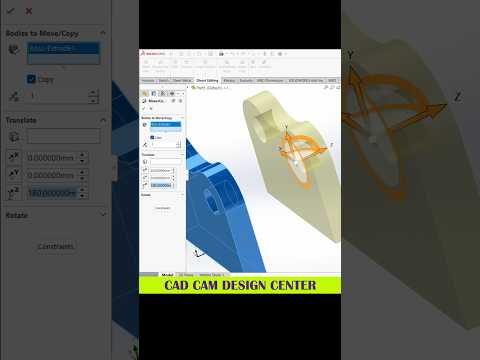
In today's fast-paced engineering and design industries, mastering digital modeling tools is essential for bringing creative ideas to life. Whether you are an automotive engineer, an industrial designer, or a digital artist, modern product design relies heavily on advanced 3D CAD software to ensure precision, structural integrity, and efficiency.
Among the various modeling tools available today, SolidWorks remains a leading industry standard. However, simply knowing the basic commands isn't enough to build complex, production-ready models efficiently. To truly excel, you need to adopt smart workflows and optimized modeling strategies.
Streamlining Your Modeling Process
Creating clean, editable, and robust models requires a solid foundation. Here are a few key practices to optimize your design routines:
- Keep Sketches Simple and Fully Defined: Avoid creating overly complicated sketches with dozens of geometric entities in a single feature. Break complex shapes down into smaller, manageable features. Always ensure your sketches are fully defined to prevent accidental shifts in geometry.
- Utilize Parametric Intent: Design with the end goal in mind. Use parametric relations and smart dimensions so that if a design change is needed later, your model adapts seamlessly without breaking the feature tree.
- Master Keyboard Shortcuts: Customizing your user interface and utilizing hotkeys for frequently used commands—such as extrude, cut, and smart dimension—can drastically reduce your overall design time.
Elevating Your Technical Skills
Integrating these techniques into your daily 3D CAD workflow will not only speed up your modeling process but also make your design files much easier for team members to modify and review. Clean design trees and efficient feature management are the hallmarks of a professional designer.
Whether you are working on automotive components, consumer electronics, or intricate mechanical assemblies, continuously refining your 3D CAD skills will set you apart in the competitive world of design engineering. Start applying these actionable tips to your next project and watch your productivity soar!
