
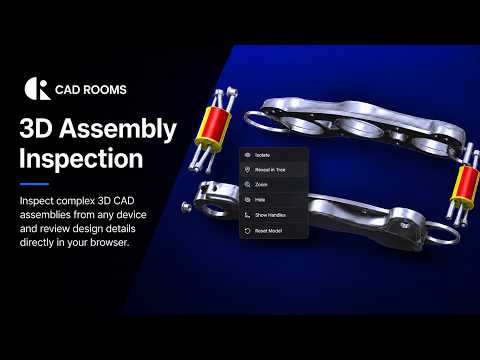
Opening complex engineering files often presents a major hurdle for non-designers, project managers, and client stakeholders. Traditionally, inspecting intricate design files required high-end hardware and expensive, specialized software installations. However, modern cloud technology is changing the game, making it simpler than ever to view and analyze 3D CAD models directly within your web browser.
Browser-Based CAD Inspection Made Simple
With cloud-native platforms like CAD ROOMS, inspecting detailed CAD assemblies no longer requires heavyweight desktop applications. You can open, rotate, zoom, and inspect complex assemblies effortlessly from virtually any device—whether it’s a desktop, laptop, or tablet.
By removing the barrier of software installation, teams can instantly review designs, double-check measurements, and verify assembly structures without waiting for file conversions or managing bulky software updates. This seamless access opens up new possibilities for frictionless cross-departmental collaboration.
Key Advantages for Modern Engineering Teams
Moving your inspection workflow to the browser provides several crucial benefits:
- Zero Installation Required: Access your models instantly without downloading heavy software or managing licenses across multiple devices.
- Cross-Platform Flexibility: Whether you are on Windows, macOS, or a mobile operating system, browser-based inspection ensures universal compatibility.
- Enhanced Collaboration: Share interactive models with clients, suppliers, and internal teams without worrying about whether they have the right viewer installed.
- Smooth Performance: Process and inspect massive 3D CAD assemblies effortlessly, backed by efficient cloud rendering technologies.
Streamline Your Review Workflow Today
Whether you are an engineer looking to quickly verify a design component or a project manager presenting a concept to clients, cloud-based inspection tools offer the speed and flexibility modern workflows demand. By viewing 3D CAD files directly in the browser, you eliminate technical friction, save valuable time, and keep your projects moving forward seamlessly.
