
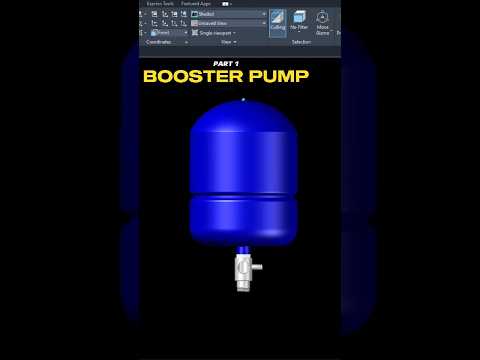
Mechanical engineering and industrial design have been revolutionized by the power of digital modeling. If you have ever wondered how complex machinery, such as a high-performance booster pump, is constructed from the ground up, you are in the right place. In this first installment of our series, we dive deep into the technical process of building a booster pump assembly component by component.
The Foundation of Industrial Modeling
A booster pump is a vital piece of equipment used to increase the pressure of fluids in various systems, from residential water lines to massive industrial cooling towers. Modeling such a device requires a high level of precision and a systematic approach. By utilizing 3D CAD software, designers can create a digital twin of the pump, allowing them to test fitments, check tolerances, and visualize the final product before a single piece of metal is ever cast.
Precision Component Creation
The assembly process begins with the individual parts. In Part 1 of our guide, we focus on the foundational elements, such as the pump housing and the base plate. Using AutoCAD’s robust toolset, we transition from simple 2D sketches into complex three-dimensional geometries. This stage involves utilizing commands like Extrude, Revolve, and Sweep to give volume to our technical drawings.
The beauty of working within a 3D CAD environment is the ability to maintain absolute accuracy. Whether you are defining the diameter of a flange or the curvature of an impeller blade, the software ensures that every measurement is mathematically sound. This meticulous attention to detail is what separates a hobbyist from a professional designer.
Why Mastering Assembly Matters
Understanding how to assemble parts is just as important as knowing how to draw them. In this series, we don't just look at parts in isolation; we look at how they interact. We explore the constraints and alignments necessary to ensure that the motor, shaft, and housing align perfectly.
Developing these skills in 3D CAD is essential for anyone looking to excel in the fields of manufacturing or architecture. By following along with this booster pump project, you will gain a practical understanding of spatial relationships and mechanical constraints.
Stay tuned for the next part of this series, where we will continue to add complexity to our assembly, moving one step closer to a fully functional mechanical model. Whether you are a student or a seasoned pro, there is always something new to learn in the world of 3D design.
